
Synopsys software composition analysis (SCA) helps you secure your software supply chain, automatically identifying open source and third-party dependencies in any codebase, application, or container.
Complete visibility
Multiple scan technologies give you a complete view of open source, third-party, and custom component dependencies in source code, containers, and binaries.
Faster remediation
Independently researched vulnerability, license, and component health insights streamline component selection, as well as issue prioritization and remediation.
Automated governance
Out-of-the-box and customizable policies enable you to integrate and automate open source governance into your development workflows and tool chains.
Take control of your software supply chain
Modern applications aren’t just built, they’re assembled. Over 75% of the code comes from open source and third-party software supply chain dependencies. With Synopsys SCA, you can automatically track and manage the components used in your applications.
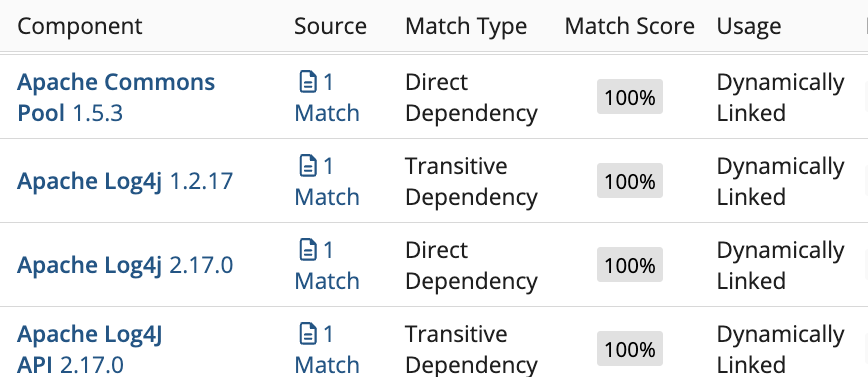
- Know what’s in your code
- Combine fast direct and transitive dependency analysis with source and binary code scanning, and open source snippet detection to identify dependencies in any software—even AI-generated code.
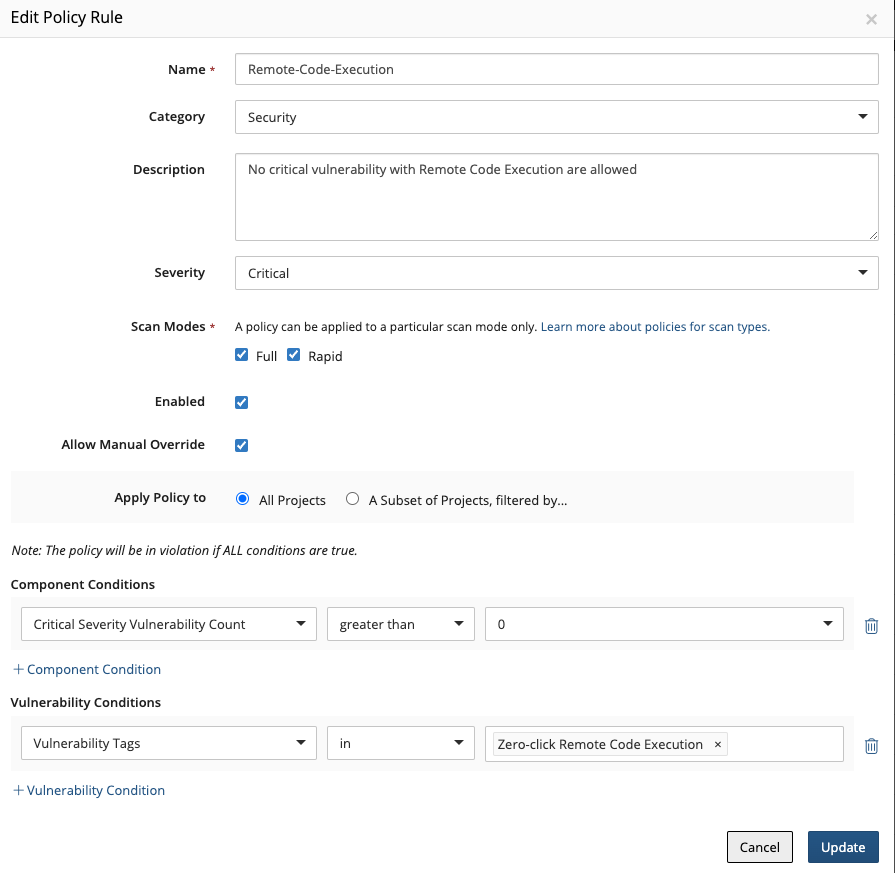
- Enforce open source policies
- Define standard policies once and apply them uniformly across your teams and applications, so you can keep high-risk components, license types, and vulnerabilities from making it to production.
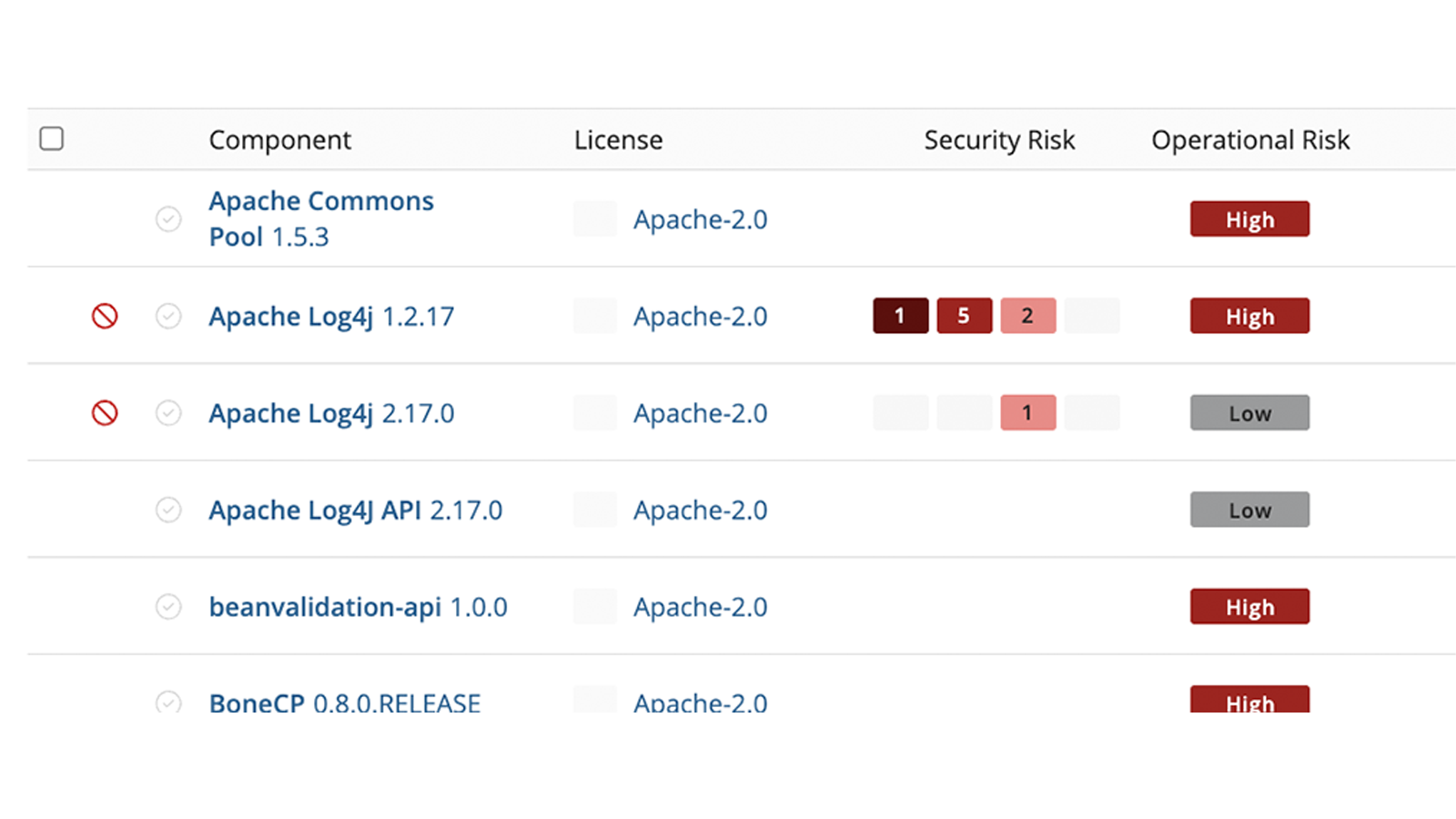
- Identify, prioritize, and act on risk
- Narrow your focus to the most important security, compliance, and component health risks, then drill down to get detailed and accurate insights to help you understand why a component poses a risk, the severity, and how your team can address it.
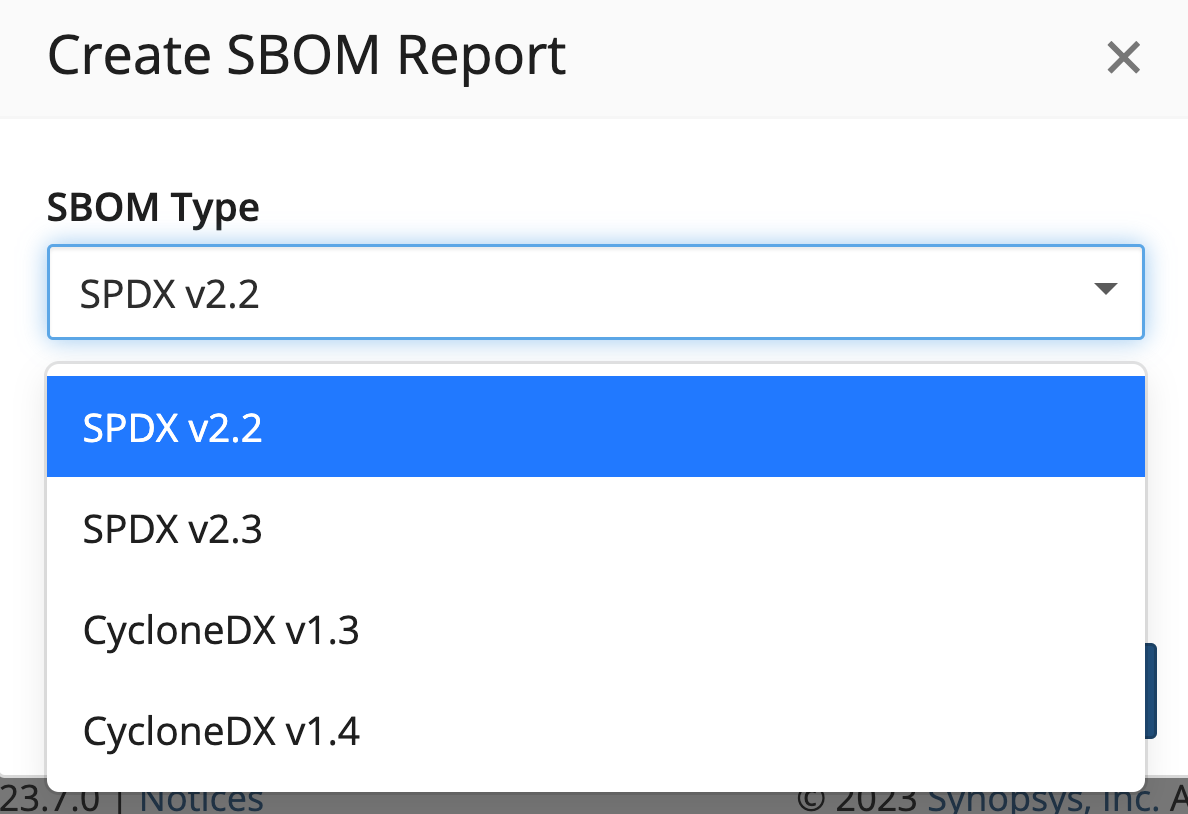
- Build comprehensive SBOMs
- Generate SPDX and CycloneDX Software Bills of Materials (SBOMs) to satisfy industry, regulatory, and customer requirements. Integrate SBOMs from your suppliers to get a comprehensive view of your supply chain components and risks.
Software composition analysis your way
No matter what your development stack looks like, with Synopsys you can integrate SCA seamlessly into your development and DevOps workflows and toolchains.

In the cloud
Looking for an easy-to-use SaaS solution optimized for modern development? With Polaris fAST SCA, you can onboard and start managing open source security risks in minutes, with automated scans triggered by source code manager and continuous integration events.

On premises
Do you need an SCA solution that can be deployed in your environment? Synopsys offers on-premises deployment options, including support for air-gapped environments. And with Software Risk Manager, you can integrate software composition analysis into a unified application security posture management solution.

In the IDE
Want to shift security testing left without slowing developers down? With the Code Sight™ IDE-plug in, developers can find and fix open source security and compliance issues before they check in their code. Code Sight flags vulnerable components and provides guidance on the best remediation options.

Universal SCA scan engines and component insights
Our SCA solutions are built on a common set of scanning, analysis, and data technologies, ensuring that you get the same fast, accurate, and scalable results in the cloud, on premises, and in the IDE.
Multiple detection technologies
Multiple scan engines combine package manager information with analysis of source code and binaries, giving you complete and accurate detection of dependencies in any software regardless of language.
Comprehensive KnowledgeBase™
Open source project, security, and license insights for over 6.3 million components help ensure that you are using secure, high-quality components that are compatible with your software licensing model.
Real-time security alerts
Independently researched Black Duck Security Advisories (BDSAs) give you same-day notification of newly disclosed open source vulnerabilities, with accuracy and remediation insights that go beyond the NVD.
The Synopsys advantage

Since 2017, Synopsys has been a Leader in the Forrester Wave™ for Software Composition Analysis, based evaluation of current offering, strategy, and market presence.
Quote
"It integrates well into our CI/CD process—which includes Jenkins and GitHub Actions—and has useful APIs to create customized queries."
trend micro
Quote
"Project managers can set policies for any given project and open Black Duck to get a full report on open source in use."
NOSER ENGINEERING AG
Over 4,000 organizations worldwide trust Synopsys







49 out of the Fortune 100
Software Companies

Six out of the Top 10
Financial Services Companies

Ten out of the Top 10
Technology Companies

Six out of the Top 10
Healthcare Companies
Resources

The Forrester Wave™: Software Composition Analysis, Q2 2023
SCA is critical to securing the software supply chain.
See why Synopsys is an SCA Leader

